
A Collection of 'Online' Meeting Apps Safe from 'COVID-19'
Here are 5 applications that provide "meetings" through "online" channels, helping to reduce the risk of spreading "COVID-19" and ensuring that working from home is as effective as working in the office.
Private companies are gradually implementing the “Work at Home” policy to organize remote work for employees, seriously addressing the spread of “COVID-19” after the number of infections in Thailand surpassed a hundred in recent days.
We have compiled the features of applications that offer “online meetings” or "Video Conference", along with other services that make remote work easier and as effective as "Face to Face" meetings.
Which application is suitable for your organization?
- LINE
Maximum participants: 200 people
Suitable for: Organizations that already use LINE for work communication or for less formal meetings.
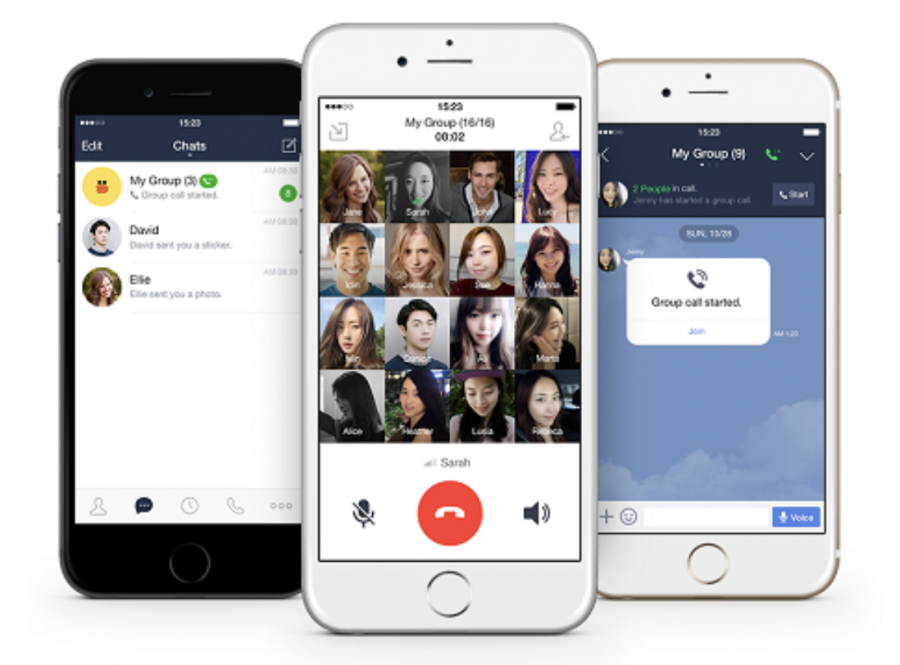
The LINE application comes with a Group call feature, allowing users to video call within a group chat or chat room with up to 200 members, displaying screens for 4-10 people at a time, and allowing users to select individuals to display in full screen as desired.
Meeting-related services include:
- Voice call (Call) can accommodate up to 200 participants.
- Video call (Video Call) can also accommodate up to 200 participants.
- Additionally, there is a LIVE service for presentations that allows hundreds of people to view simultaneously, with a maximum of 500 members able to join the Live.
LINE Chat also includes various features that enhance group communication, such as file sharing through LINE on computers, allowing up to 1 GB of file sharing per day within workgroups.
Other features include ‘Announcements’ to pin important messages in the chat for everyone in the group to see, ‘Notes’, and ‘Keep’ to store various types of information such as albums, photos & videos, links, and files within that group chat.
Maximum participants: 50 people
Suitable for: Meetings for those with Facebook accounts, which support a variety of operating systems, both iOS and Android.
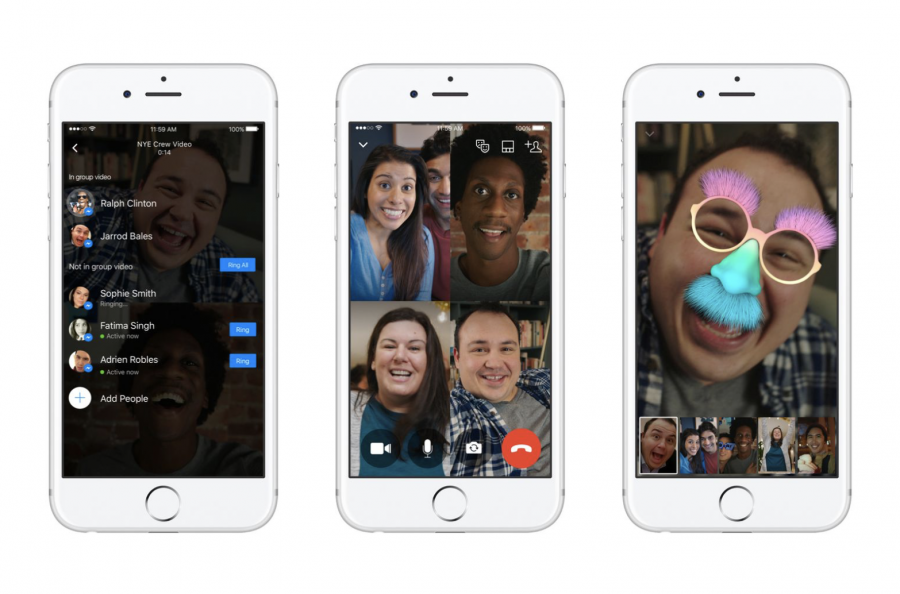
Group video calls via Facebook Messenger support up to 50 participants and can be used globally on the latest Messenger app for iOS and Android, as well as on desktop. To start a video call, click the video button in the upper right corner of the group chat.
In Facebook Messenger's group video calls, if there are 4 or fewer users, the video will display in full screen. If there are 5-6 users, one user's video will be large while the others will appear in a gallery below. For larger groups, only the first 6 users' videos will be displayed (others can listen and speak but will not have their video shown).
- FaceTime
Maximum participants: 32 people (for certain regions)
Suitable for: Meetings with no more than 32 people, for groups or organizations using devices with iOS software only.
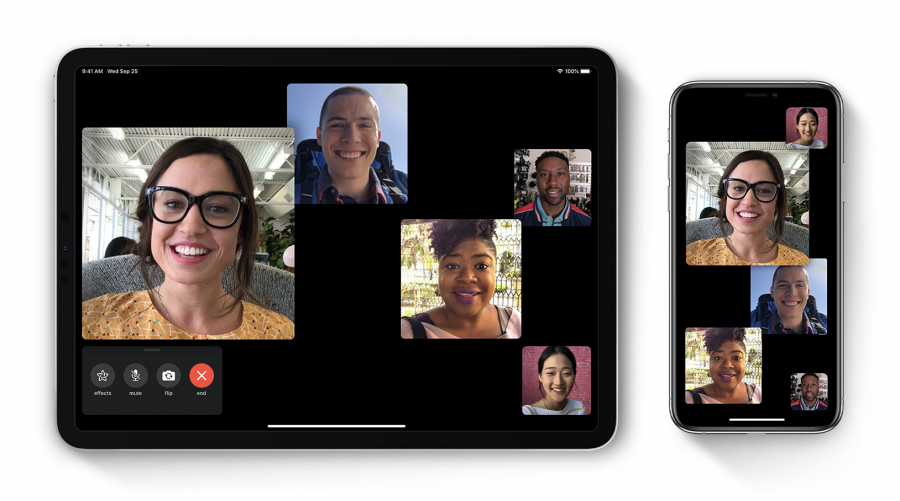
The FaceTime application is available on iPhone, iPad, iPod touch, and Mac devices.
In addition to FaceTime calls, users can enter the names of contacts, phone numbers, or emails in the FaceTime app to make video calls.
Group FaceTime allows for meetings with up to 32 participants, and a special feature of Group FaceTime is its integration with the Airtime app, which enables users to share videos, music, or YouTube links for simultaneous viewing during the meeting.
- Skype
Maximum participants: 20 people for regular Skype, and 250 for Skype for Business.
Suitable for: Skype is suitable for small organizations or private meetings, while Skype for Business is more suitable for formal meetings.
You can join your Skype for Business meetings from a computer, laptop, smartphone, tablet, or even by phone if your organization supports this method.
Skype for Business allows you to connect with colleagues or business partners within your company or globally, with key features including:
- Start conversations via IM, voice, or video calls.
- See when your contacts are online, in a meeting, or presenting.
- Set industry-level security for meetings.
- Broadcast online to a wide audience.
- Share your screen during meetings or allow others to control it.
- Use Skype for Business within other Office programs to chat, call, or join meetings with a click.
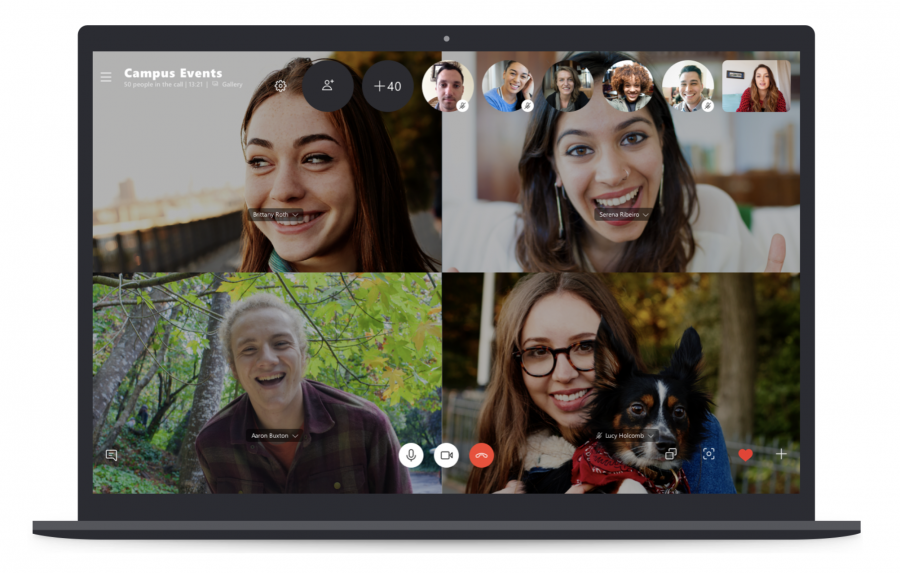
Skype is suitable for home use and works well for very small organizations, allowing online meetings for up to 20 people and is available for free download.
Skype for Business is suitable for larger organizations and allows you to add more participants to online meetings, helping you manage employee accounts and integrate with your Office apps more effectively, accommodating up to 250 people, though there may be costs associated with various services.

- Google Hangout
Maximum participants: Video calls support up to 10 users for Gmail, G Suite Basic, or up to 25 people for Business and Education.
Suitable for: Gmail account holders looking for formal meetings or important confidential discussions.
Google Hangout video meetings can be managed through the Meet feature and linked through Google G Suite, allowing users to join events directly from calendar invites or emails on laptops, phones, and in meeting rooms.
Additionally, you can create a phone number for each meeting, allowing all participants to join even while on the go without Wi-Fi or internet access.
External participants can join meetings if they receive an invitation link. However, the service provider states that all meeting content, including video and audio streams in the Meet function, is encrypted, ensuring security even for off-site meetings.
SOURCE: www.bangkokbiznews.com